
Images
Importing an image gives you its metadata: dimensions, a tiny placeholder, and every variant generated at build time. Options go in the query string of the import, so each import below produces its own set of assets from the same two JPEG files.
Responsive variants
Listing widths generates one resized file per width. The Image component puts them in srcset so the browser downloads the smallest one that fits.
Responsive = import("./mayu-dolphin.jpeg?width=320,640,960&format=webp&quality=75")
Format fallback
With several formats, the variants are grouped by type into <source> elements inside a <picture> element. The first format becomes the fallback <img> for browsers without WebP support.
Fallback = import("./mayu-dolphin2.jpeg?width=480,960&format=jpeg,webp&quality=80")
Quality
Every quality is its own import, so all 7 files existup front. Moving the slider only changes which one the server renders.






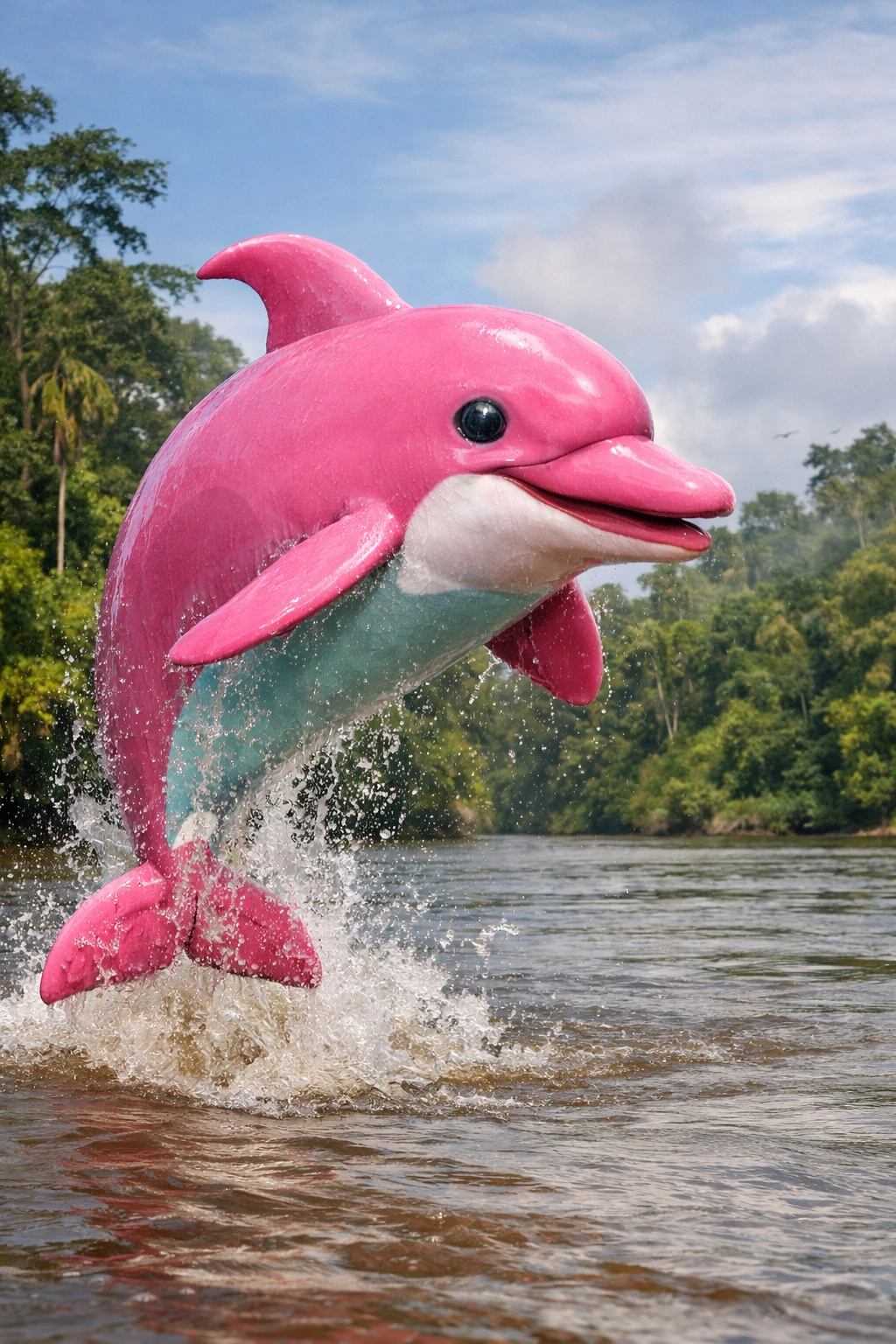
Placeholders
Every import carries a 295-byte data URIof the image scaled down to 16px. The components use it as a background while the real image loads, so the layout never jumps and the page is never blank.